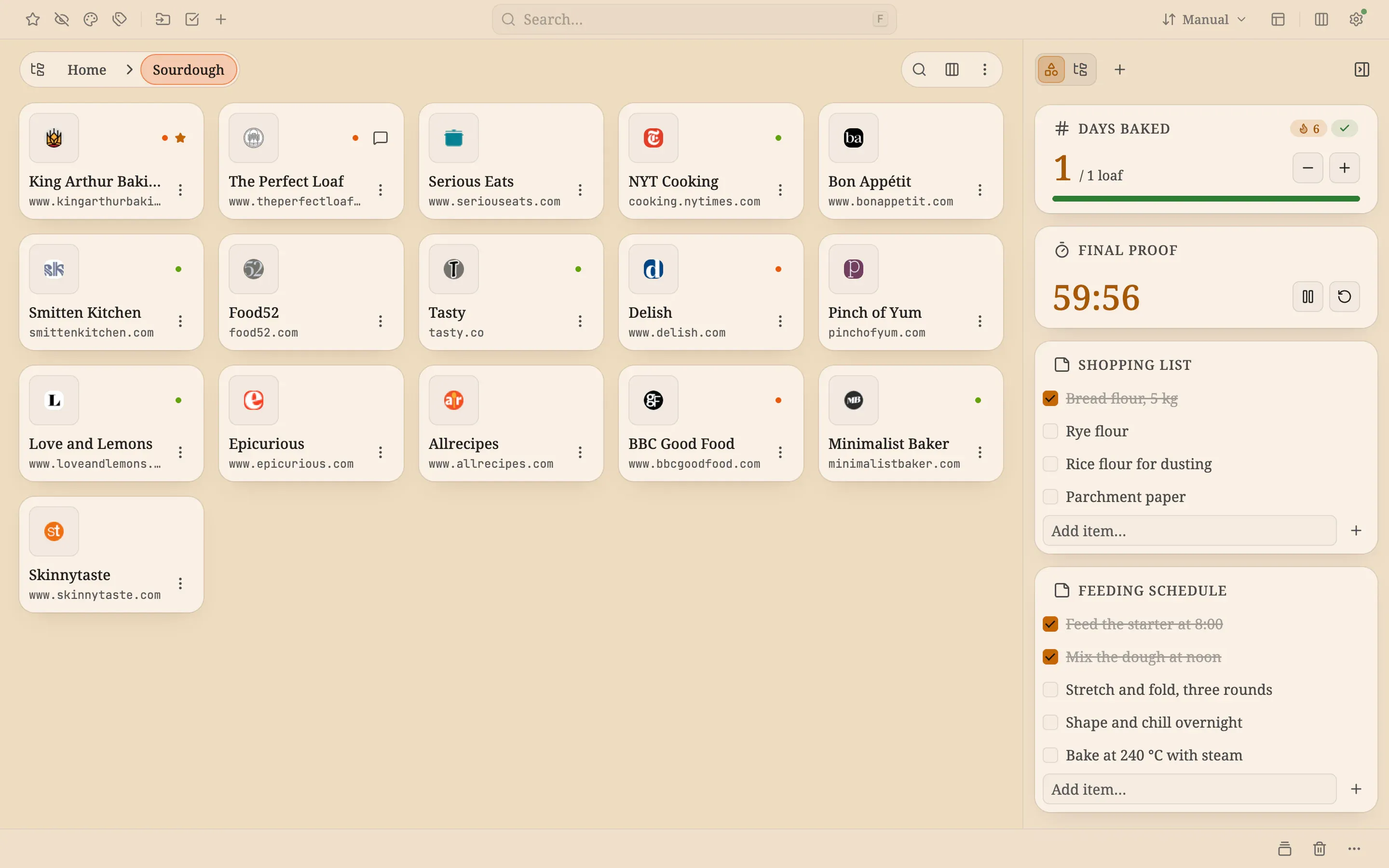
A sourdough week runs on timing: feeding the starter, a long proof, a bake that depends on both. The recipes and baking blogs you rely on are rarely at hand when you need them. Here they are big tiles you can spot by their icons, in a Sourdough folder opened in Gallery view with the Grid layout
A proofing timer and a days-baked streak
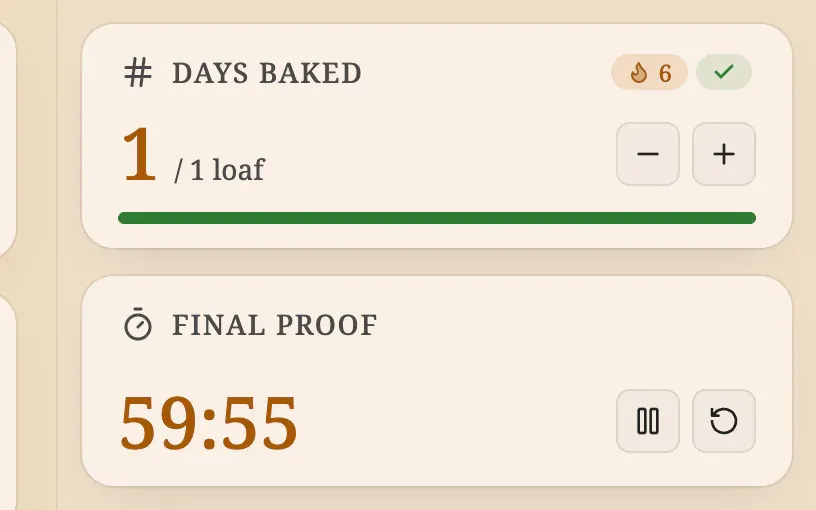
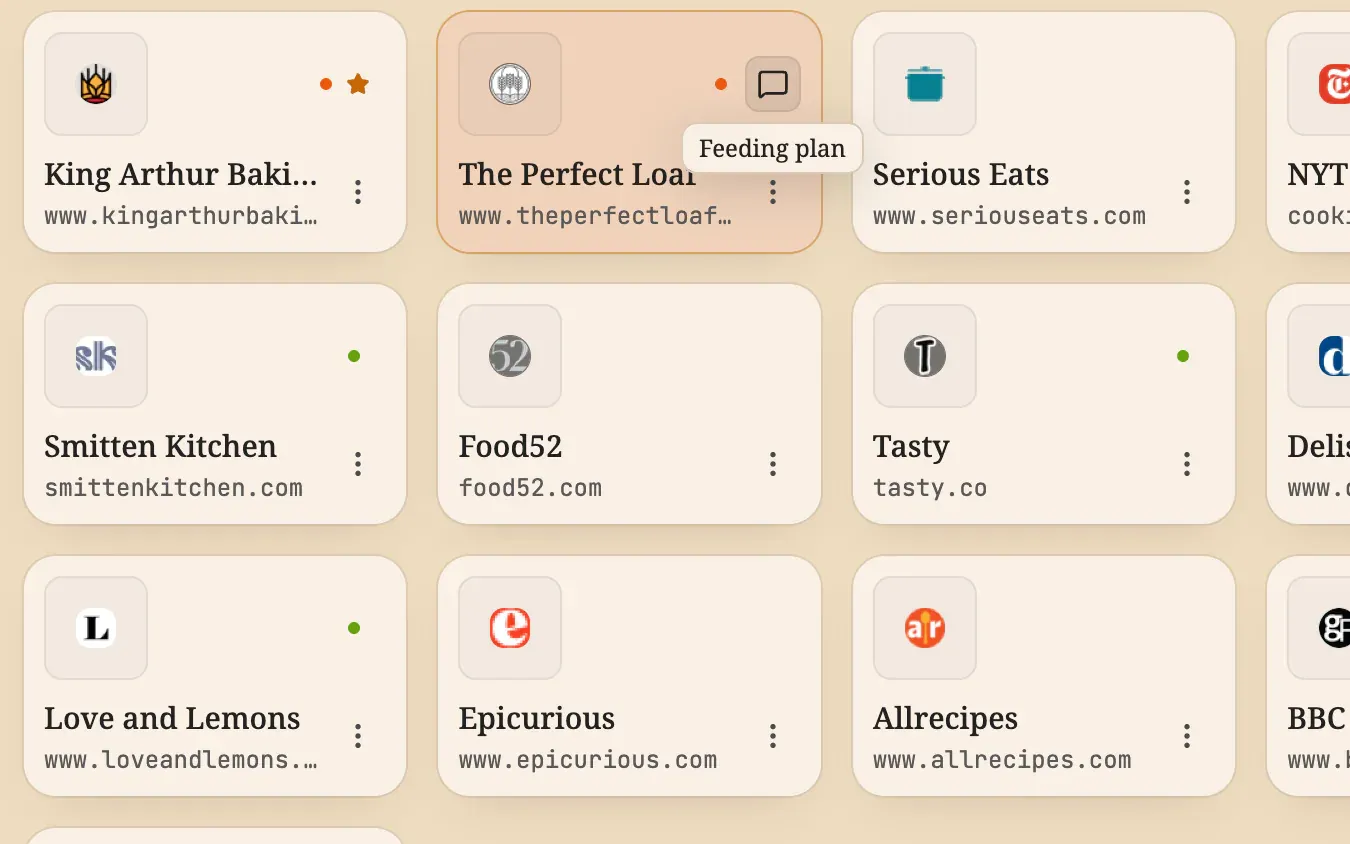
Set the Timer widget to the length of the proof (here Final proof, 60 minutes) and start it. It keeps counting while you do something else. The Counter widget has a goal of 1 and resets every day, and with days in a row switched on it builds a streak for every day you bake. Two notes with checklists hold the feeding schedule and the shopping list, and a comment on a tile records why you saved that recipe
A calm, warm look
The background is a solid cream (#efdcc0) in the Light theme, with a serif font and an amber accent. The toolbar sits at the bottom, out of the way of the tiles. There is no photo and no pattern, so the recipes stay the loudest thing on the page
The recipe
Every setting behind the screenshots, so you can match the look
Font
Serif
Theme
Light
Accent
Amber
Background
Solid color fill
Layout
Tile gallery
Toolbar
Docked bottom
Fill color
#efdcc0
How to build it
Everything below works in the current release. Parts that need Pro are marked
Create a workspace named after the week Pro↗ Workspaces
Pick a solid color in Settings → Appearance → Background Pro↗ Appearance
Open the folder in Gallery view with the Grid layout for tiles ↗ Gallery view
Choose the Serif font and an amber accent in Settings → Appearance ↗ Appearance
Add a Timer widget, set its duration to the proofing time and start it Pro↗ Widgets
Add a Counter widget with a daily goal of 1 and switch on days in a row Pro↗ Widgets
Add notes with checklists for the feeding schedule and the shopping list ↗ Notes
Your own bookmarks are not part of a setup. They stay where your browser keeps them, and the board shows them in the columns you choose
What’s free, what’s Pro
Free already covers most of it: Gallery view with the Grid layout, the Serif font, the amber accent and notes with checklists. Pro adds the workspace, the solid color background, the Timer and the Counter
Pro comes with a 14-day trial and no card, so you can try every Pro step before you pay


 Chrome
 Edge*
Edge* Firefox
 Brave
Brave Vivaldi
 Opera
Opera